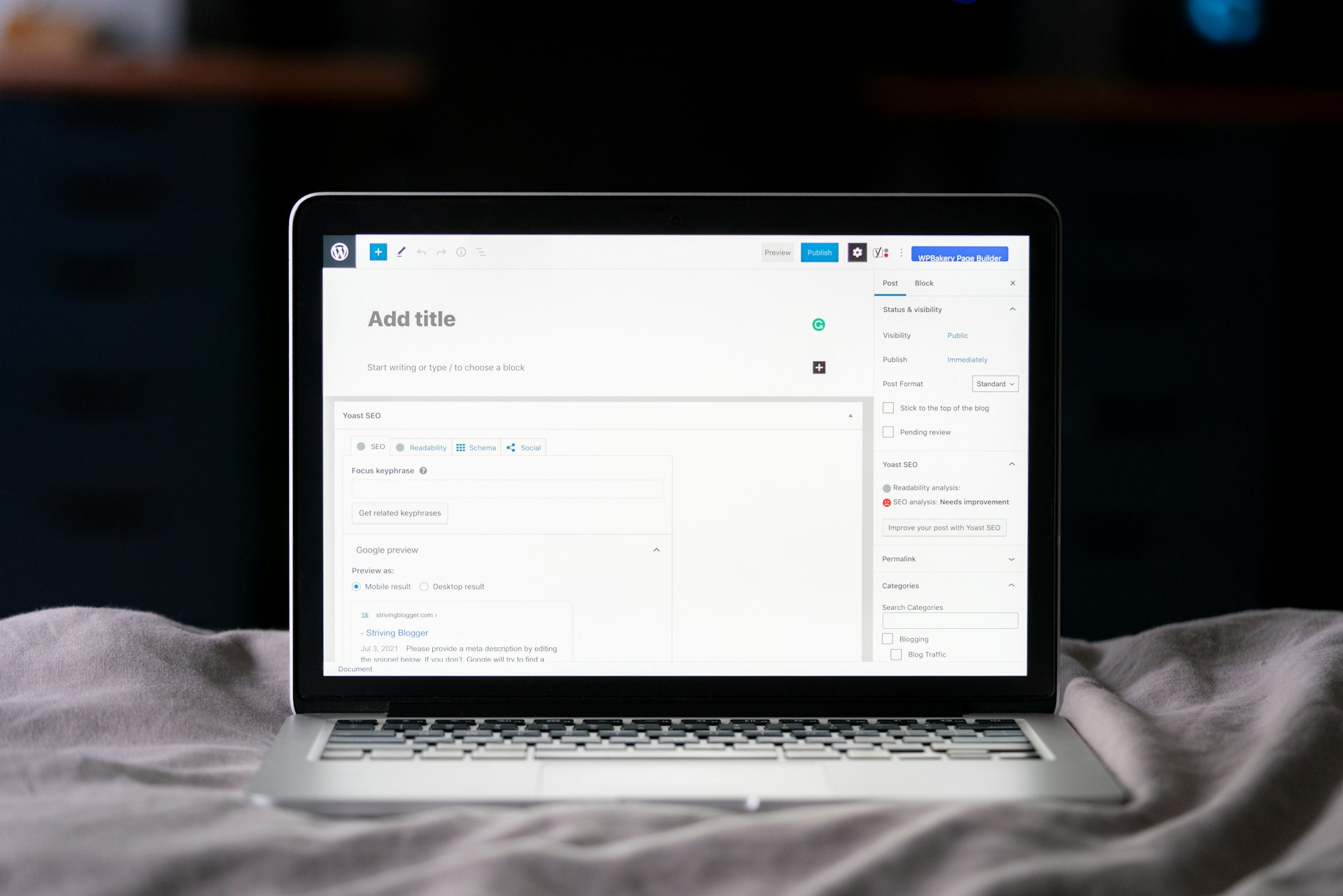
Settings → Reading → “Discourage search engines” must be unticked. Every guide lists this first; it’s the most common reason a site doesn’t rank at all.
HTTPS
Google has used HTTPS as a ranking signal since 2014; Chrome warns visitors on non-secure sites.
www vs non-www
Google treats them as separate sites. Neither is better for SEO — pick one and be consistent.
Mobile
Google indexes the mobile version of your site first, so the theme must be responsive.
Core Web Vitals
LCP under 2.5s · INP under 200ms · CLS under 0.1. Check in PageSpeed Insights or the GSC Core Web Vitals report.
SEO title length
Roughly 60 characters (WPBeginner) to 70 (Semrush) before Google truncates. Put the keyword near the start.
Meta description
Roughly 120–160 characters. Not a ranking factor, but it drives click-through rate, which helps indirectly. Google may rewrite it.
Headings
One H1 per page (usually the post title, set by the theme); use H2–H6 in the body, in order.
Internal links
At least 3–4 relevant internal links per post (WPBeginner); point the most links at your most important (cornerstone) pages.
Categories
Keep them few and broad: 4–5 parent categories (Semrush) up to 8–12 (WPBeginner). Use tags sparingly.
Comments
WordPress makes comment links nofollow by default, but spam still hurts quality — require manual approval.
Timeline
Small wins in weeks; significant ranking gains typically 3–6 months.
A condensed summary of six leading WordPress SEO guides (Rank Math, WPBeginner, HubSpot, Semrush, Yoast and Ahrefs), with the key facts, where the sources agree and disagree, and a working checklist. Compiled 8 November 2026.
Summary
WordPress is SEO-friendly out of the box, but it’s only a CMS. Rankings still depend on correct settings, a good SEO plugin, fast hosting, strong content and authority.
All six guides agree on the same foundation: site is indexable, HTTPS is on, permalinks are clean, one domain version (www or non-www), one SEO plugin, XML sitemap submitted to Google Search Console.
Content that matches search intent is the biggest lever. Technical setup removes obstacles; it doesn’t make weak content rank.
2026 shift: AI search. Google AI Overviews, ChatGPT and Perplexity cite pages that answer questions directly, use clear structure and schema, and show first-hand expertise.
SEO compounds slowly. Expect minor movement in weeks and meaningful gains in roughly 3–6 months.
Key facts and numbers
Most important suggestions, by area
1. Foundations (one-time setup)
Hosting is your speed ceiling. Choose a reputable WordPress host; avoid cheap shared hosting where possible. Run a modern, supported PHP version (check Tools → Site Health).
Install SSL (most hosts offer free Let’s Encrypt certificates) and confirm the whole site loads on https://.
Set permalinks to “Post name” (Settings → Permalinks). On an established site, only change this with 301 redirects in place, then crawl for 404s.
Set your preferred domain in Settings → General (WordPress Address and Site Address must match).
Use a lightweight, responsive theme. Test the theme demo in PageSpeed Insights before committing; bloated themes slow everything down.
2. SEO plugin, sitemaps and indexing
Install one all-in-one SEO plugin (Yoast, Rank Math, AIOSEO or SEOPress). Never run two at once.
Turn on XML sitemaps, then submit the sitemap URL in Google Search Console and Bing Webmaster Tools.
Verify the site in Google Search Console and check it at least monthly (Performance, Indexing/Coverage, Core Web Vitals).
Keep low-value pages out of the index: tag archives, date archives, format archives, author archives on single-author sites, and attachment pages. Internal search results should be noindexed (most plugins do this by default).
Handle duplicates: use canonical URLs (plugins add self-referencing canonicals automatically) and 301-redirect duplicate URLs.
3. Site structure
Flat, hierarchical structure: Home → categories → subcategories → posts. Keep the main menu simple.
Use topic clusters: one comprehensive pillar page linked to and from several related posts on subtopics.
Nest service pages under a parent (e.g. /services/seo/) using the page “Parent” setting.
Enable breadcrumbs (via your SEO plugin) for users and search engines.
Avoid orphan pages — every page should be linked from at least one other page.
4. On-page and content (every post)
Start with keyword research. Weigh search volume, difficulty and, above all, intent (informational, commercial, transactional, navigational). Favor long-tail and niche terms you can realistically win.
One focus keyword per page. Using the same keyword on several pages causes keyword cannibalization — merge or redirect competing posts.
Match search intent by looking at what currently ranks for the keyword.
Place the keyword naturally in the SEO title (near the start), URL slug, first ~100 words, at least one subheading, and the meta description. Don’t stuff.
Short, descriptive URL slugs: keyword-based, hyphens not underscores, no dates.
Write click-worthy titles and descriptions: numbers, clear value, active voice, a call to action — but no clickbait.
Make it readable: short paragraphs, lists, tables, a table of contents on long posts, images and examples.
Images: descriptive file names before upload (e.g. wordpress-seo-checklist.jpg), natural descriptive alt text, compression, WebP/AVIF format, lazy loading.
Link out to credible sources — it supports trust. Use rel=”sponsored” for paid links and rel=”ugc” for user content.
Length follows intent. Depth matters more than word count; every section should earn its place.
5. Speed and performance
Caching plugin (WP Rocket, W3 Total Cache or WP Super Cache) for page and browser caching.
Minify CSS and JavaScript (WP Rocket or Autoptimize) — test on staging first, as it can break features.
Remove unused plugins and limit custom font weights.
6. Security and maintenance
A hacked or blacklisted site vanishes from search. Use a security plugin (Wordfence, All-In-One Security, Sucuri) and/or Cloudflare.
Harden logins: no “admin” username, strong passwords, two-factor authentication, limited login attempts, least-privilege user roles.
Keep WordPress core, themes and plugins updated; only install well-maintained plugins from the official directory.
Automated backups (UpdraftPlus, Duplicator).
Comments: require manual approval and use spam filtering (Akismet).
7. Authority and trust (E-E-A-T)
Show who’s behind the content: author bios, author pages, a strong About page, cited sources, first-hand experience and original data.
Earn backlinks from relevant, authoritative sites; let sites you’ve linked to know, and build relationships.
Add schema markup (Article, FAQ, HowTo, Product, LocalBusiness, etc.) via your SEO plugin to qualify for rich results — and to help AI systems understand your pages (How AI tools decide who to recommend).
Set Open Graph / social meta so shared links show the right image, title and description.
8. AI search (GEO / AEO)
Question-style H2/H3s followed by a direct 1–2 sentence answer, then detail.
Use lists, tables and definition-style paragraphs that are easy to extract and cite.
Keep content current and show “last updated” dates.
Consider an llms.txt file (an emerging standard telling AI tools what your site covers).
Prioritize keywords that need a click. Queries fully answered by an AI Overview may drive little traffic.
9. Local and multilingual (if relevant)
Local: claim and complete Google Business Profile, Bing Places and Apple Maps; keep name, address and phone identical everywhere; collect genuine reviews; add LocalBusiness schema.
Multilingual: a unique URL per language (subdirectories like /es/ are usually best), reciprocal hreflang tags plus x-default, translated metadata and alt text, a visible language switcher, and native-speaker review of key pages.
10. Measure and keep improving
Connect Google Analytics and Search Console (Site Kit or MonsterInsights bring data into WordPress).
Track keyword rankings to spot pages that are slipping.
Monitor 404s and fix them with redirects (Rank Math 404 Monitor, Redirection plugin).
Schedule content refreshes, not just new posts — prioritize cornerstone content not updated in 6+ months.
Use Bing Webmaster Tools too if Bing sends meaningful traffic.
Where the sources disagree (read with care)
Plugin recommendations are self-interested. Rank Math recommends Rank Math, Yoast recommends Yoast, and WPBeginner’s team owns AIOSEO. All three are capable; the feature you’ll actually use matters more than the brand.
Noindexing categories and tags. Ahrefs and Semrush suggest noindexing tags and low-value archives. Rank Math and Yoast caution that category pages can be useful landing pages — check whether a taxonomy already gets traffic before noindexing it.
Nofollowing external links. HubSpot suggests nofollowing external links to keep authority. The others say link normally to good sources and reserve nofollow / sponsored / ugc for paid, user-generated or untrusted links. The latter reflects current Google guidance.
Alt text format. HubSpot suggests hyphenating words in alt text (e.g. “WordPress-Contact-Form-Builder”). That’s poor for screen readers; write alt text as a natural description. Hyphens belong in file names, not alt text.
Permalink changes. Semrush and Yoast note WordPress redirects old ?p= URLs automatically; Rank Math, WPBeginner and Ahrefs warn that other structure changes can break links. Safest: set up 301s and crawl afterwards.
Freshness of the guides. Rank Math and WPBeginner were updated in 2026 and cover AI search; HubSpot (2025), Semrush (2024), Yoast (2022) and Ahrefs (2021) predate most AI-search advice, and some details (e.g. PHP versions, plugin menu paths) may have moved.
WordPress SEO checklist
A. One-time setup
“Discourage search engines from indexing this site” is unticked (Settings → Reading)
Site Health checked; hosting is WordPress-optimized and PHP version is current
SSL installed; whole site loads on https:// with no mixed-content warnings
Preferred domain (www or non-www) set in Settings → General; the other version redirects
Permalinks set to Post name (or /category/post-name/); 301s in place if changed on a live site
Lightweight, responsive theme; demo tested in PageSpeed Insights
One SEO plugin installed and configured (site representation: person/organization, logo, social profiles)
Title and meta description templates set for posts, pages, categories and homepage
XML sitemap enabled and loading
Site verified in Google Search Console; sitemap submitted
Site verified in Bing Webmaster Tools; sitemap submitted
Google Analytics connected
Low-value archives (tags, dates, formats, attachments, single-author archives) set to noindex — after checking their traffic
Breadcrumbs enabled
Clear main menu and hierarchical category structure (few, broad categories)
Comments require manual approval; spam filtering on
Caching plugin, minification (tested on staging), CDN and image compression in place
A team’s output depends as much on its systems as its ideas. Here’s how I use Claude Code to build marketing tools, automate repeat work and give my team time back.