If you run a small business, you’ve probably noticed that people don’t just search anymore. They ask. They ask ChatGPT which natural sunscreen is safe for toddlers, they read Google’s AI summary before clicking anything, and they trust the answer they’re given.
If that whole shift is new to you, start with our guide: What is AEO, and does your small business need it? It explains how AI tools decide which businesses to mention.
This post answers the next question we hear all the time: “My website is on WordPress. Is that a good thing for AI search?”
Is WordPress good for AEO?
Yes. WordPress gives you everything AI search tools look for: clear structure, easy structured data, visible authors and content that’s simple to keep fresh. But it isn’t AI-ready out of the box. Your theme, your plugins and how you write your pages make the difference.
Think of WordPress like a beautifully equipped kitchen. Everything you need is there. You still have to cook.
Why WordPress and AI search get along so well
It’s built for content
WordPress started life as a blogging platform, and it shows. Posts, pages, categories and tags give your content a natural order, a bit like a well-organized library. AI tools like that. When your site is clearly organized, it’s easier for them to understand what you do and which page answers which question.
Clean structure (with the right theme)
AI tools read the code behind your pages, not just the words on them. A good WordPress theme uses clean, meaningful structure: proper headings, clearly marked articles and sections. A bloated theme or heavy page builder can bury your content under layers of unnecessary code, which makes it harder for AI to pick out what matters.
Plugins do the technical heavy lifting
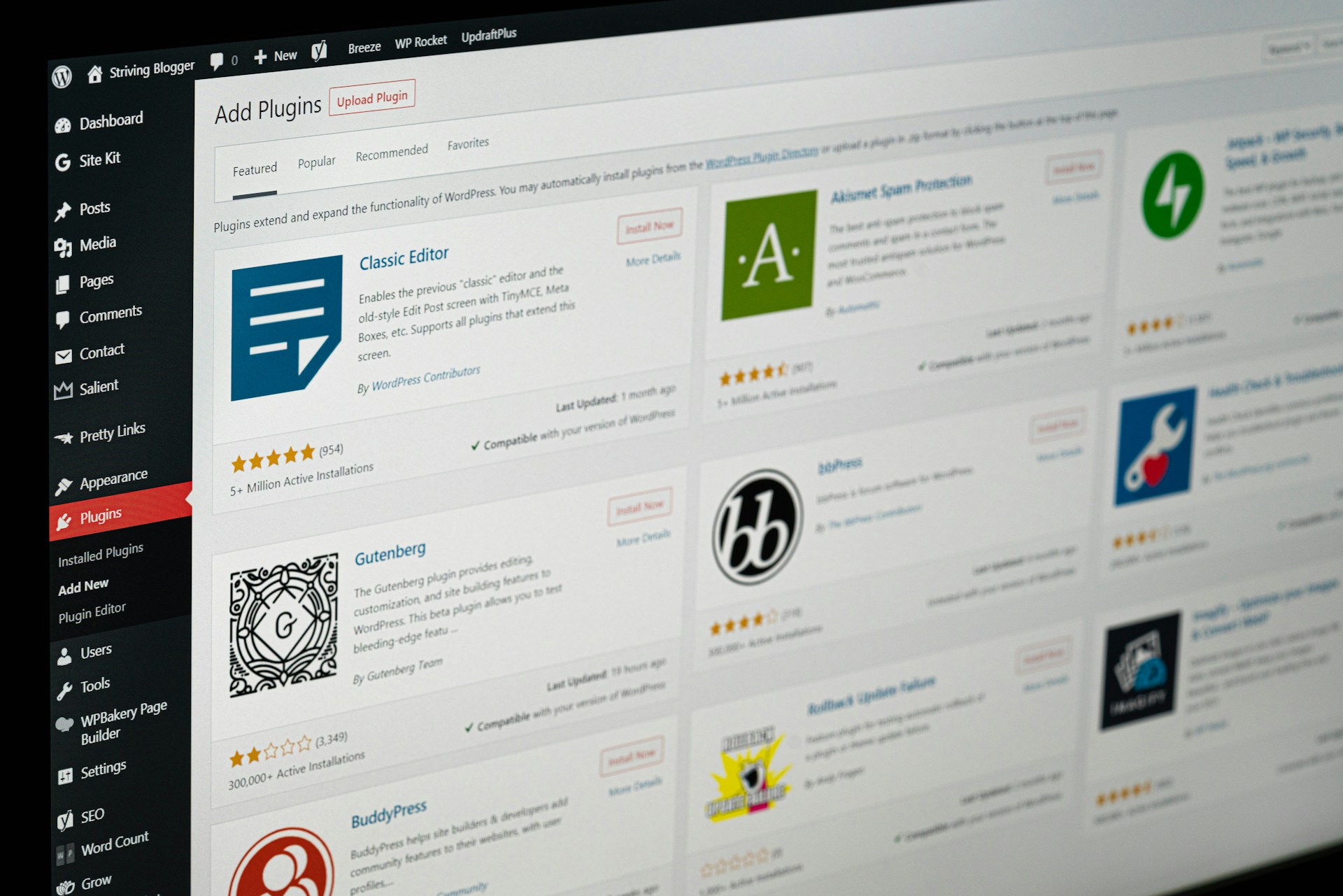
The things that sound intimidating (schema markup, sitemaps, author information, a table of contents) are a few clicks away with a good SEO plugin like Yoast, Rank Math or AIOSEO. These help AI tools understand what each page is about, who wrote it, and how your content fits together.
It’s easy to keep things fresh
AI tools prefer current information. With WordPress, updating a product page, refreshing an article or adding a new FAQ takes minutes, and you can show a “last updated” date so readers (and AI) know it’s current.
You own it
Your WordPress site is yours: your content, your structure, your data. You’re not limited by what a closed website builder allows, which means you can keep adapting as AI search changes.
The catch: WordPress is a tool, not a shortcut
Here’s the honest bit. For years, WordPress made it very easy to churn out lots of thin, keyword-stuffed pages just to rank. That approach is running out of road. In a Search Engine Journal article on optimizing WordPress for AI search, SEO consultant Carolyn Shelby makes the point that WordPress can thrive in AI search, but only when it’s used to publish genuinely useful content rather than as a shortcut.
In other words: AI tools reward clarity, usefulness and trust. Not volume.
The good news for small businesses? That’s exactly where you shine. You know your products, your customers and their questions better than anyone.
What I’ve seen behind the scenes
I spent most of October relaunching a company website on WordPress, and helping businesses understand how they show up in AI search. Here’s what that work actually looked like.
On the website side, the job wasn’t glamorous. I configured the SEO plugin, resubmitted sitemaps in Google Search Console, connected Google Analytics and Tag Manager, and set up redirects so an old domain pointed cleanly to the new one. I tidied up case study pages too: shorter URLs, consistent heading styles, proper templates for blog posts.
On the AI side, I’ve been sitting in on AI visibility reviews for businesses: looking at how AI tools describe a brand, who they compare it to, and where the gaps are. One fix that kept coming up was simply getting the facts straight. That meant merging duplicate competitor entries, connecting the business to the right related entities, and gathering clear, credible information about who’s behind the company (E-E-A-T, Google’s Search Quality Evaluator Guidelines).
I also helped build a chatbot’s knowledge base from the website’s own pages. It was a useful reality check: if the content on your site is vague or scattered, an AI has nothing solid to work with.
My biggest takeaway? AI-ready doesn’t mean high-tech. It means clear, consistent, well-organized and honest about who you are. WordPress makes all of that very doable. You just have to actually do it.
6 ways to make your WordPress site AI-friendly
- Choose a lightweight theme. Look for one that’s fast and cleanly built rather than packed with features you’ll never use. If you love your current theme, small tweaks can usually tidy it up.
- Don’t hide your important information. Tabs, accordions and pop-ups can look neat, but content tucked away behind clicks may be missed by AI tools. Keep key details, like ingredients, sizes, how-to-use instructions and FAQs, visible on the page.
- Lead with the answer. Use clear headings, keep each paragraph to one idea, and put your main point first. Numbered steps for how-tos, tables for comparisons. The easier your page is to scan, the easier it is for AI to quote.
- Let your SEO plugin help. Set up schema (structured data), add your business details, and use a table of contents on longer posts. It won’t magically make you an authority, but it helps AI connect the dots.
- Show who’s behind the business. Add an author bio, a proper About page, and link related posts together. Point your strongest, most complete pages (your “cornerstone” content) to and from related articles.
- Keep it fresh and tidy. Update older posts, delete plugins and themes you’re not using (they’re a security risk too), compress your images and use caching so your site stays fast.
A quick example
Imagine a small Cape Town brand selling natural baby balm. Instead of a product page with the ingredients hidden in a tab and a single line of description, they show:
- what’s in it, in plain language
- who it’s for (newborns, sensitive skin, eczema-prone skin)
- how to use it, in three simple steps
- a short FAQ: “Is it safe for newborns?”, “Is it fragrance-free?”
That page answers the exact questions a worried new mom might ask an AI tool, and gives the AI something clear and trustworthy to share.
Your WordPress AEO quick checklist
- Lightweight, fast theme
- Key information visible on the page, not hidden in tabs or pop-ups
- Clear headings and answer-first paragraphs
- SEO plugin set up with schema, business details and author info
- Author bio and About page in place
- Related posts linked together
- Unused plugins and themes deleted
- Images compressed and caching switched on
- Older content reviewed and updated regularly
Want a hand with yours?
If your site is on WordPress, you’re already holding the right tool. It’s just a matter of using it well. If you’d like a friendly, jargon-free look at how your site measures up for AI search, get in touch. We’d love to help.
And if you haven’t yet, read our guide to what AEO is and why it matters for small businesses.
Frequently asked questions
Is WordPress good for AEO?
Yes. WordPress has the structure, plugins and flexibility AI search tools respond well to. The results depend on using a clean theme, setting up your SEO plugin properly and writing clear, helpful content.
Do I need a special AEO plugin for WordPress?
Not to start with. A good SEO plugin like Yoast, Rank Math or AIOSEO already handles schema, sitemaps and author information. Focus on clear, useful content first.
Can I use a page builder like Elementor?
Yes, but keep an eye on how much extra code and hidden content it adds. Simpler layouts with visible content tend to work better for both visitors and AI tools.
Does schema guarantee AI will mention my business?
No. Schema helps AI understand your content, but trust comes from genuinely useful information, real reviews and a consistent presence across the web.